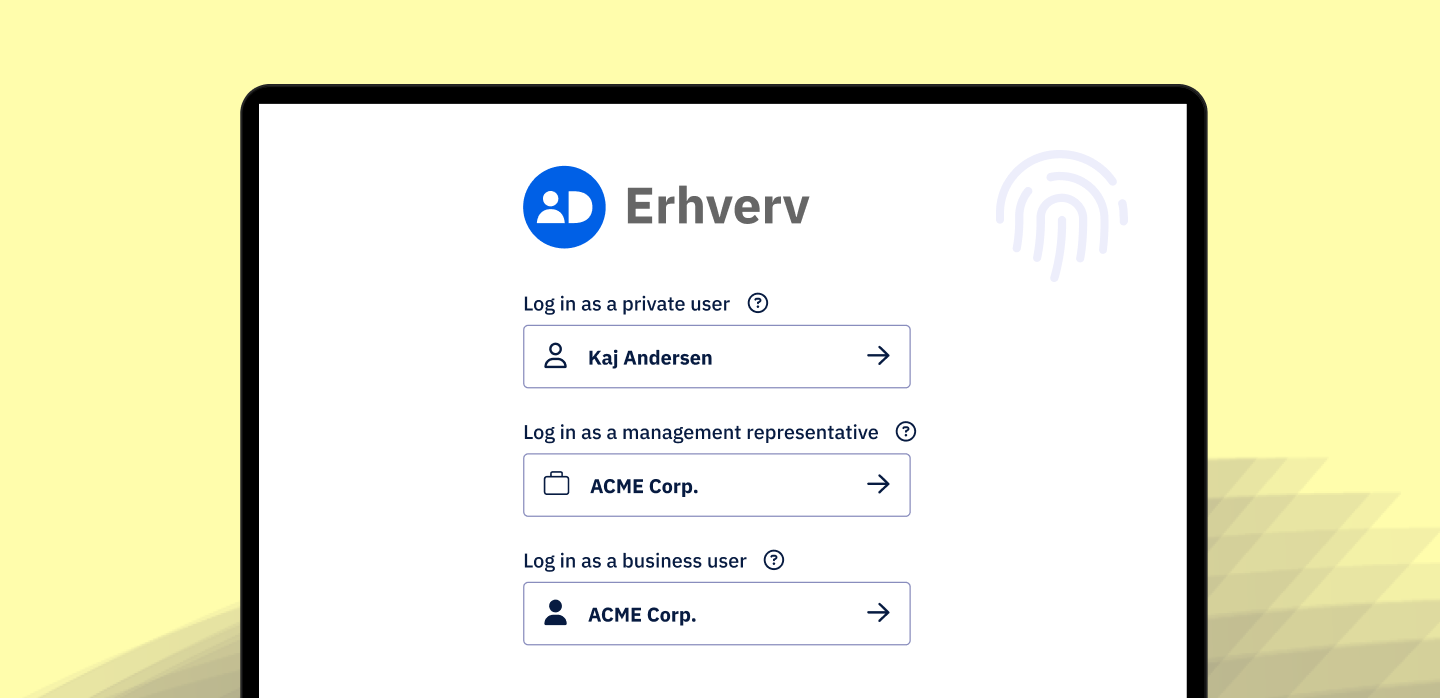
MitID Erhverv is a new authentication solution tailored specifically for business use cases. It simplifies user administration, role management, and access control for organizations, enabling employees to act digitally on behalf of their company.
Integrating MitID Erhverv into your existing system doesn't have to be complicated. Idura Verify lets you build a secure and user-friendly B2B login flow with MitID Erhverv in just a few simple steps. This blog post provides instructions and code samples to walk you through the process.
Let's dive right in!
1. Get a developer account at Idura and register an Idura Verify application
All you need to get started with Idura Verify is to sign up for a free developer account.
You’ll get access to a personalized dashboard and will be able to start development right away. You also get unlimited test logins until you are ready to go to production.
When you have successfully set up your account (by creating your first tenant and domain), you’re ready to create an Idura Verify application. You can do so in the Applications section of the management UI.
After registering your application, the dashboard will give you the necessary details to configure your application's communication with Idura Verify.
From the General tab of your application settings, you need:
- Domain on which you will be communicating with Idura Verify.
- Client ID to identify authentication requests made from your application to Idura Verify.
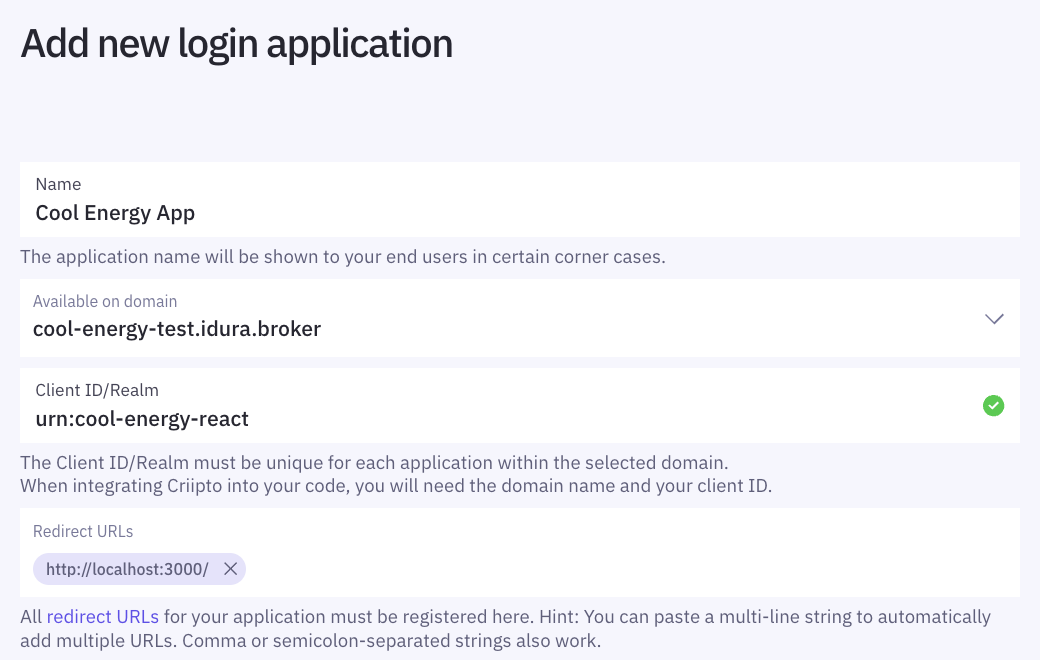
In our case, the domain is cool-energy-test.idura.broker, and the client ID is urn:cool-energy-react.
2. Integrate Idura Verify into your application
Let's look at the integration process using a React single-page application example.
First, we’ll install @criipto/verify-react* using npm:
Second, we set up the Idura Verify SDK by wrapping our application in CriiptoVerifyProvider:
*Remember to use your own domain and clientID (available in your Idura dashboard).
Lastly, we’ll add a login button into our application and enable business logins.
We’ll use the useCriiptoVerify hook and the AuthMethodSelector component to render a login screen, like so:
acrValues={["urn:grn:authn:dk:mitid:business"]} ensures that business logins with MitID Erhverv are enabled. You can always include other acr_values if you want to add more eIDs into your application.
That’s all we need.
Let’s run our React application and try logging in (as an employee!)
* You can easily integrate Idura Verify with various technologies and third-party identity management solutions: Check our integrations page to find the option that suits your needs.
3. Test logins with MitID Erhverv
If you haven’t created a MitID Erhverv test user yet, you’ll have to make one to perform business logins. Check our documentation for detailed instructions – it shouldn’t take more than 5 minutes.
Once you have a test user, you can try logging into this sample application: Choose “Log in with MitID Business”.
Or check out the video showcasing the login experience:
We hope this demonstrates just how simple it is to build a B2B login flow with MitID Erhverv and Idura Verify.
Do you have any questions about integrations, have feedback, or would like to submit a feature request? Please reach out to us by email or join our developer community on Slack.
We are here to help and address any inquiries you may have.
Criipto is now Idura!
You may come across criipto in our domain names and code samples. This is expected since we changed our name!